
Lemon TV App Download and Lemo TV App Setup Guide
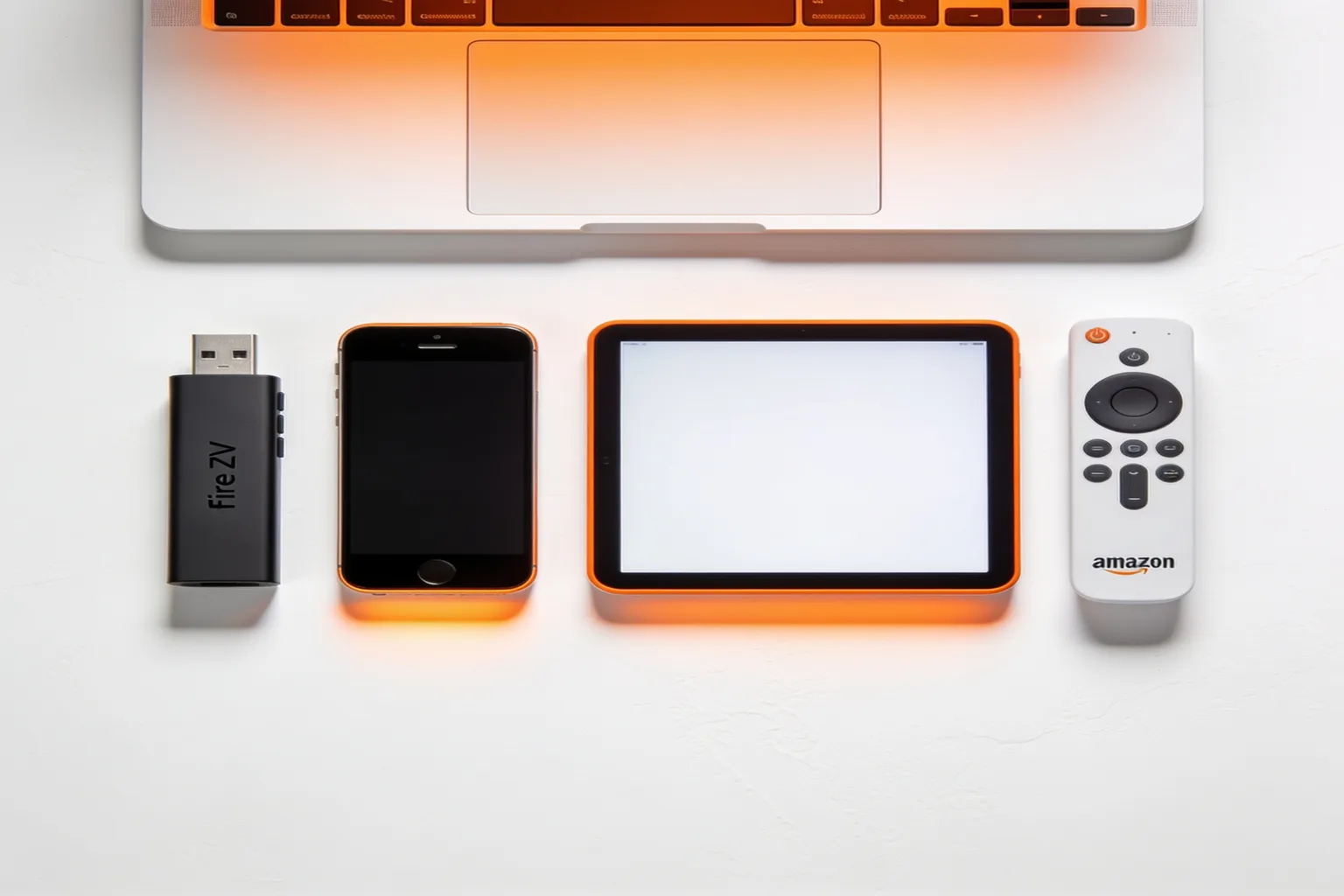
If you searched for a lemon tv app download, a lemo tv app apk, or "lemon tv app free," you are not alone. Those three spellings all point at the same job: get Lemo IPTV running on the screen in front of you. There is no single store listing named Lemon TV that carries this service. You install a free player, paste your Lemo IPTV login, and the full channel list shows up in a few minutes.
I walked through this on a Fire TV Stick 4K Max, a cheap Android box, an iPhone 14, and a Samsung Tizen TV last week. Same credentials every time. Different player apps. Setup never took more than 10 minutes once the email with the portal URL, username, and password landed. Below is the exact path I use, plus the login errors that waste the most time.
What "Lemon TV app" actually means
Search results mix three things that look similar and are not the same product:
- Lemo IPTV / Lemo TV (this site): a subscription with 24,000+ live channels, VOD, and multi-device logins. You get Xtream Codes or M3U details by email after a 24-hour free trial or paid plan.
- Lemon TV / lemon tv app: a common misspelling and brand spillover people type into Google and Reddit when they mean Lemo. Rival sites rank for it. This guide is written so those searches land on clear install steps instead of a dead end.
- Player apps (IPTV Smarters Pro, TiviMate, GSE Smart IPTV, Perfect Player, Set IPTV): free or cheap shells that load your playlist. These are the apps you actually download.
If someone promises a "Lemon TV APK" with a built-in free library and no login, treat it like any random sideload: high malware risk, no support, and no link to your paid account. Stick to a known player from the Amazon Appstore, Google Play, Apple App Store, or the vendor's own site, then log in with credentials from help@catchontv1.email or your trial form.
What you need before you download anything
Skip this and you will reinstall apps twice. Collect these four items first:
- Active credentials. Portal / server URL, username, password. They arrive by email after you start a trial or pay. Keep the email open on your phone.
- A stable network. Wired Ethernet or solid 5 GHz Wi-Fi. Live 4K sports wants roughly 25 Mbps per stream. 1080p is fine around 10 Mbps.
- Your device model. Fire TV Stick 4K Max, Fire TV Stick Lite, Nvidia Shield, Samsung Tizen, LG webOS, iPhone, iPad, Windows PC, or MAG box all work, but the install path differs.
- One player app. If you only install one today, make it IPTV Smarters Pro (free, every major platform). Power users on Android often prefer TiviMate. iOS users lean on GSE Smart IPTV. Smart TV remotes feel better on Set IPTV.
For a wider player comparison, read best IPTV apps for Lemo TV streaming. For device-by-device screenshots beyond this page, the official setup guide and the complete setup guide cover MAG, Enigma2, and desktop players too.
Download and set up the Lemo TV app on Firestick
Firestick is where most cord-cutters start, so start here if you have one.
- From the Fire TV home screen open Find (or the magnifying glass) and search IPTV Smarters Pro or TiviMate.
- Install the app from the Amazon Appstore. If the Appstore version is missing in your region, install the free Downloader app first, then load the APK from the publisher's site. Only use the official domain the developer lists.
- Open the player. Choose Xtream Codes API (sometimes labeled Login with Xtream Codes), not Load M3U URL, unless your email explicitly gave you an M3U link.
- Paste Any Name (example: Lemo), the Host / Portal URL, Username, and Password exactly as emailed. No trailing spaces.
- Tap Add User / Login. Wait 2 to 5 minutes while the EPG and the full channel list load. Do not force-close the app mid-sync.
- Open Live TV, pick a major sports or news channel, and confirm the stream plays without a freeze for at least 60 seconds.
Fire TV Stick Lite and older 2nd-gen sticks prefer lighter players (Perfect Player or Smarters). Fire TV Stick 4K Max and Cube handle TiviMate Premium cleanly. If the remote feels sluggish after install, reboot the stick once from Settings → My Fire TV → Restart.
Android phone, tablet, and Android TV boxes
On phones and tablets, open Google Play and install IPTV Smarters Pro or TiviMate. Login fields match the Firestick flow: Xtream Codes, portal URL, username, password. On Android TV boxes (Nvidia Shield, Xiaomi Mi Box, generic Amlogic boxes) the same Play Store apps work, or you can sideload via a USB stick if Play is not signed in.
Two Android gotchas I hit often:
- Play Protect block on sideloads. If you install an APK outside Play, tap More details → Install anyway. That is the real button path; "Allow unknown sources" alone is not enough on newer Android builds.
- Battery optimization kills background EPG sync. On phones, set the player to Unrestricted under Battery so the guide finishes downloading when the screen sleeps.
Once logged in, your Lemo IPTV plan can run on multiple screens (plan tiers allow up to 5 simultaneous connections on higher packages; check current pricing). Living room TV plus a phone for away games is a normal setup.
iPhone, iPad, and Apple TV
Apple's store is stricter, so you will not find a random "Lemon TV" binary there either. Install GSE Smart IPTV or IPTV Smarters from the App Store. Create a playlist with Xtream Codes login, paste the same three fields from your email, and save. On Apple TV, install the matching tvOS build of the player if available, or AirPlay from an iPhone for a quick test during the free trial.
iOS will ask for local network permission the first time some players open. Allow it. If channels sit on a loading spinner, force-quit the app, confirm Wi-Fi is not a captive hotel portal, and try Cloudflare DNS 1.1.1.1 under Settings → Wi-Fi → (i) → Configure DNS → Manual.
Samsung, LG, and other Smart TVs
Samsung Tizen and LG webOS rarely run the same Android APKs. Two clean options:
- Install Set IPTV (or a similar Smart TV player) from the TV's app store, buy the cheap license if prompted, and enter Xtream Codes details.
- Skip the TV app entirely: plug in a Fire TV Stick 4K or Chromecast with Google TV. You get a better remote UI and easier updates, and the install steps above apply.
MAG boxes and Enigma2 receivers use portal URLs in their native menus rather than a Play Store app. Your activation email lists the portal host; the full MAG path lives in the setup guide.
Login fields, explained in plain English
Every solid player asks for roughly the same three values:
- Host / Server / Portal URL looks like
http://example.com:8080or a similar host your email provides. Include the port if one is listed. Do not invent https unless the email says so. - Username is usually a short string or email-like ID. Case sensitive on some panels.
- Password is the matching secret. Copy-paste; do not retype on a Firestick on-screen keyboard if you can avoid it.
If the email also includes an M3U URL, that is an alternate load method. Prefer Xtream Codes when both are offered. Xtream keeps EPG and VOD categories cleaner inside Smarters and TiviMate.
Fixing the usual Lemon TV app errors
When the "app" will not play, it is almost never the channel list size. Work this short list in order:
- Authentication failed. Re-copy username and password. Confirm the free trial has not expired (trials last 24 hours). Start a fresh trial or open a paid plan on the trial page.
- Could not connect to server. Portal host mistyped, or your ISP is blocking the host. Switch DNS to 1.1.1.1 / 1.0.0.1 or try NordVPN, ExpressVPN, or Surfshark for 5 minutes as a test.
- Buffering after 30 seconds. Lower the stream quality in the player, move closer to the router, or hardwire the Firestick with a USB-C Ethernet adapter. Our anti-freeze routing helps, but a 3 Mbps uplink still chokes 4K.
- Empty category list. Wait a full EPG sync (up to 15 minutes on first login). Force-refresh the playlist from the player's settings menu.
- App crashes on open. Clear cache for the player, or switch to Perfect Player on older Firesticks with 1 GB RAM.
Deeper buffering playbooks live in Lemo TV IPTV buffering fixes. For brand trust questions (is this legit, payment safety, refunds), see the honest Lemo TV IPTV review.
Lemon TV app FAQ
Is Lemon TV app the same as Lemo TV app?
For search intent, yes. People type both when they want this service. There is no official store app branded Lemon TV that loads your paid playlist. You use a free player plus Lemo IPTV credentials from this site.
Where can I download the Lemo TV app for free?
Download IPTV Smarters Pro, TiviMate, GSE Smart IPTV, or Perfect Player from Amazon Appstore, Google Play, or the App Store. The service login itself comes from your free trial or subscription email, not from a third-party APK site.
Does the Lemo TV app work on Firestick?
Yes on Fire TV Stick 4K, 4K Max, Lite, and Cube. Install a player, choose Xtream Codes login, paste your portal details, and wait for the guide to sync. Most people finish in under 10 minutes.
Why will my Lemo TV app not log in?
Wrong portal URL, extra spaces in the password, picking M3U when you have Xtream details, or an expired 24-hour trial cause most failures. Copy fields from the email again, or request a new trial.
Do I need a VPN for the Lemon TV app?
Only if your ISP throttles or blocks the portal. Try Cloudflare DNS first. If streams still fail to start, a reputable VPN usually unblocks the host. Test both paths during the free trial so you know what your home network needs.
Start with a real login, not a random APK
The fastest way to settle the "does Lemon TV app work" question is a live test on your own Wi-Fi. Grab the 24-hour free trial, install one player from this guide, and watch a full match or news block. If you like the stability, pick a plan on the pricing page and keep the same app login. Support sits at help@catchontv1.email around the clock when a device fights you.